
 Up to 84% Off VPN
WoW Forever is expected to be one of the biggest launches of the year, with huge numbers of players excited to experience Blizzard's new take on Classic WoW.
With so many players jumping in at once however, the launch will be a big test for Blizzard’s servers, and for the players' internet connections, too. During the WoW Forever Beta, many players reported connection issues, unexpected disconnects, and lag spikes that can make it harder to enjoy the game.
FPS Drops or Lag In WoW Forever: Possible Fixes
There are a number of things you can try if you are experiencing FPS drops or high ping issues in WoW Forever, but what you should try depends on the issues you are experiencing.
FPS Drops
FPS drops in WoW Forever can be frustrating, especially when the game runs smoothly one moment and starts stuttering the next. The cause can vary from graphics settings and addons to CPU bottlenecks or background applications. The best fix often depends on when the drops happen, whether it’s in busy cities, during raids, or when turning your camera etc.
Below are a few things you can try to improve performance.
Lower Your Graphics Settings
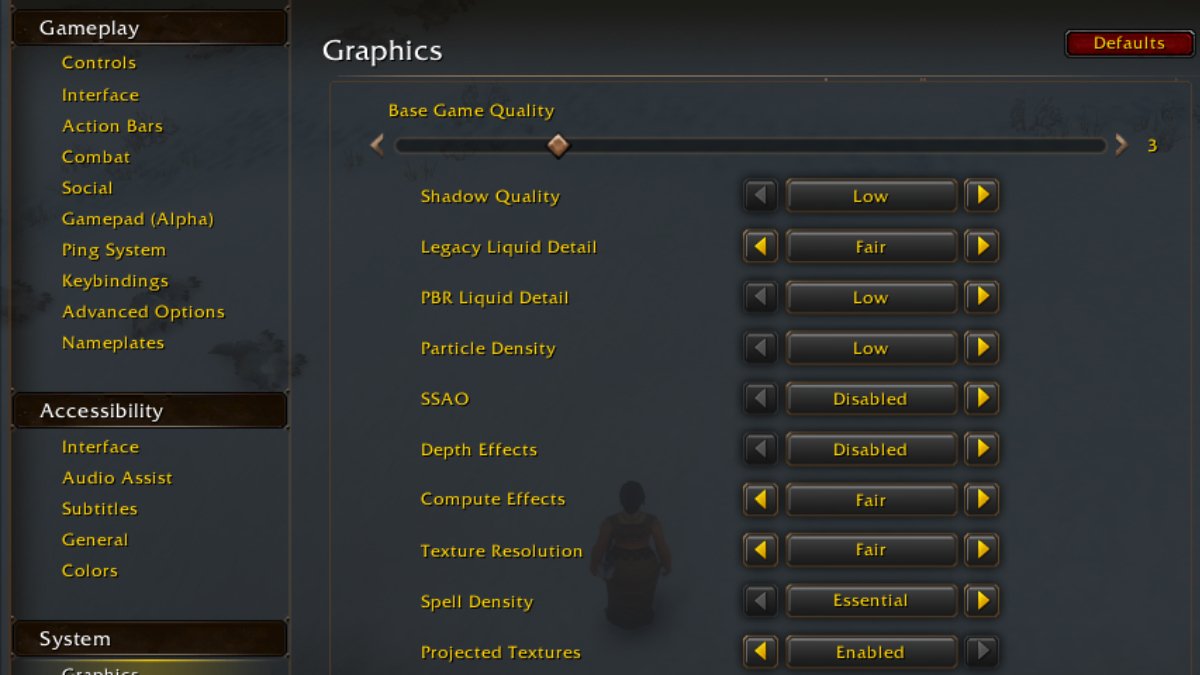
If you’re experiencing frequent FPS drops, start by lowering some of the more demanding graphics settings. Options such as View Distance, Environment Detail, Ground Clutter, Shadows, and Spell Density can all affect performance heavily. You can also try lowering the overall Graphics Quality or disabling Ray Traced Shadows, if available.
You don’t necessarily have to sacrifice visual quality across the board. Try adjusting a few settings at a time and see whether performance improves.
Adjust Secondary Lighting
Some players have reported that the Secondary Lighting setting can contribute to stuttering in WoW: Forever. If you’re experiencing inconsistent FPS, try changing Secondary Lighting to Good or a lower setting and see if it makes a difference. It may not solve the problem for everyone, but it’s a quick adjustment worth testing.
Try a Different Display Mode
If your FPS drops when turning the camera or moving around the game world, switching display modes may help. Try changing between Windowed (Fullscreen) and Fullscreen, then spend a few minutes playing to see whether the stuttering improves. The difference may be subtle, and results can vary depending on your system, but it’s an easy fix to rule out.
Disable Your Addons
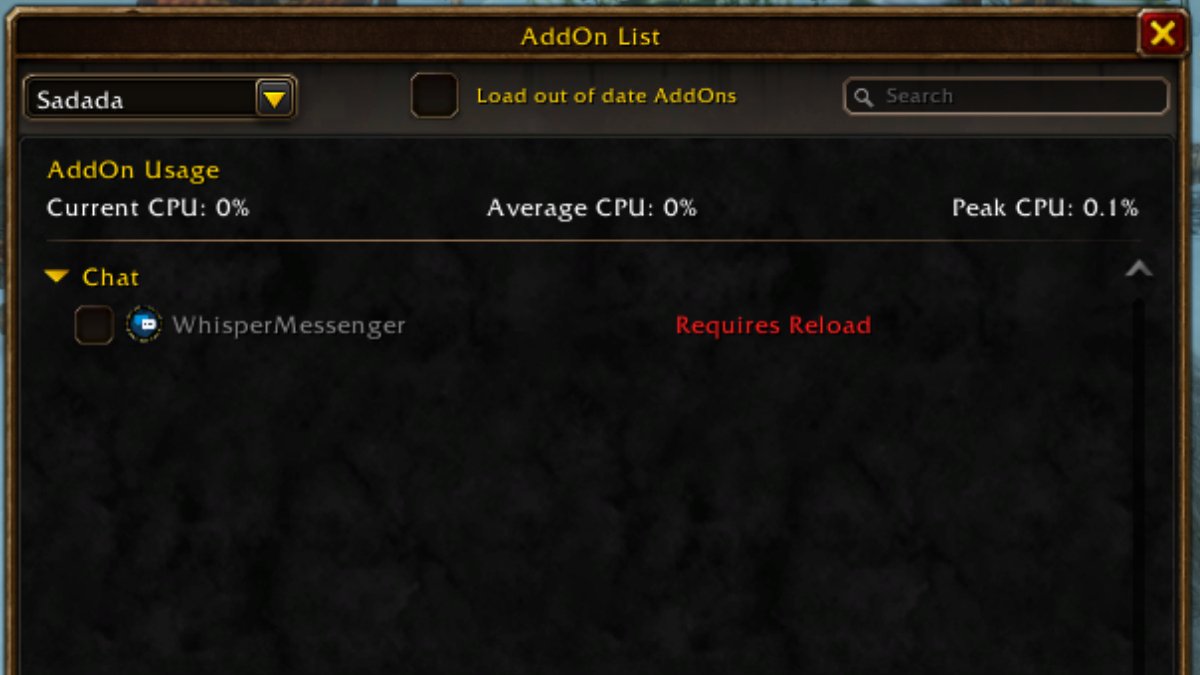
Addons are another possible cause of FPS drops, particularly if you use several at once. An outdated or poorly performing addon can affect game performance, even if everything else seems to be working normally.
To check whether addons are the problem, disable them all and launch the game. If your FPS improves, re-enable your addons one at a time, testing performance as you go. This should help you identify whether a particular addon is causing the issue.
Once you’ve found the culprit, check for an update or consider replacing it.
Test One Change at a Time
When troubleshooting FPS drops, it’s best to make one change at a time and test the results in the same area of the game. That way, you’ll have a better idea of what’s actually helping rather than changing several settings without knowing which one made the difference.
High Ping
If you are experiencing high ping in WoW Forever, this can be as a result of internet, routing or server issues and one possible solution is to consider using a VPN. This was a solution that worked for many players in the WoW Forever beta, including for some of our raiders and streamers. If your internet provider has poor routing to Blizzard's servers, then this can help.
Method is partnered with ExpressVPN and we highly recommend them as your VPN of choice, especially since you'll also receive a bunch of Method-related perks when you sign up including ad-free browsing here on Method.gg!
With a little trial and error, you may be able to reduce stuttering and get WoW: Forever running more smoothly without compromising your overall experience.
See you in Azeroth!